Create a beautiful book.
Write, format, and finish your book — print and ebook — from one desktop app.
Secure checkout · License key and download instructions by email · 30-day guarantee
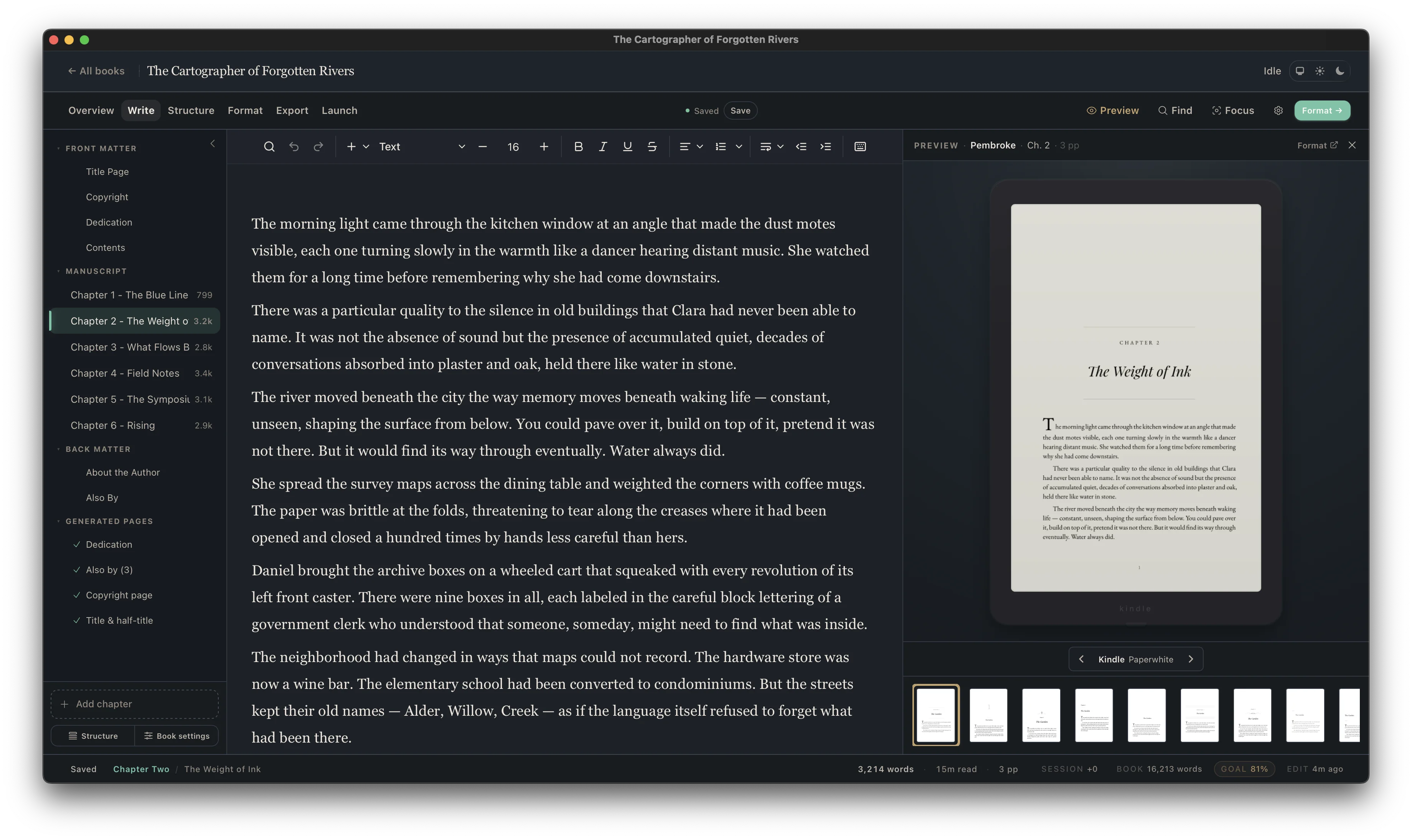
From manuscript to published.
One app.
Write, style, preview, and generate your book — without juggling three tools.
Organize your manuscript. Write every chapter.
Parts, chapters, Title Page, Copyright, and backmatter — your whole book lives in one binder. Drag a chapter to reorder your story, add an About the Author or Also By page, and decide what appears in print versus ebook.
No compile step. No second tool. When you’re ready to style your pages, you’re already there.
Already have a manuscript? Bring it.
Import your DOCX from Word, Scrivener, or Google Docs and Cambric builds your book automatically — chapters, headings, italics, scene breaks, and Table of Contents ready to go.
Click a style. Watch your book come to life.
Browse through 20+ Book Styles to find the right look for your genre. Add drop caps, running headers, and ornamental scene breaks with a click. Because your preview updates instantly with every edit, you see every page turn before you generate a single file.
Bookstore-grade design on Windows and Mac — without splitting your draft and your formatted book into two files.
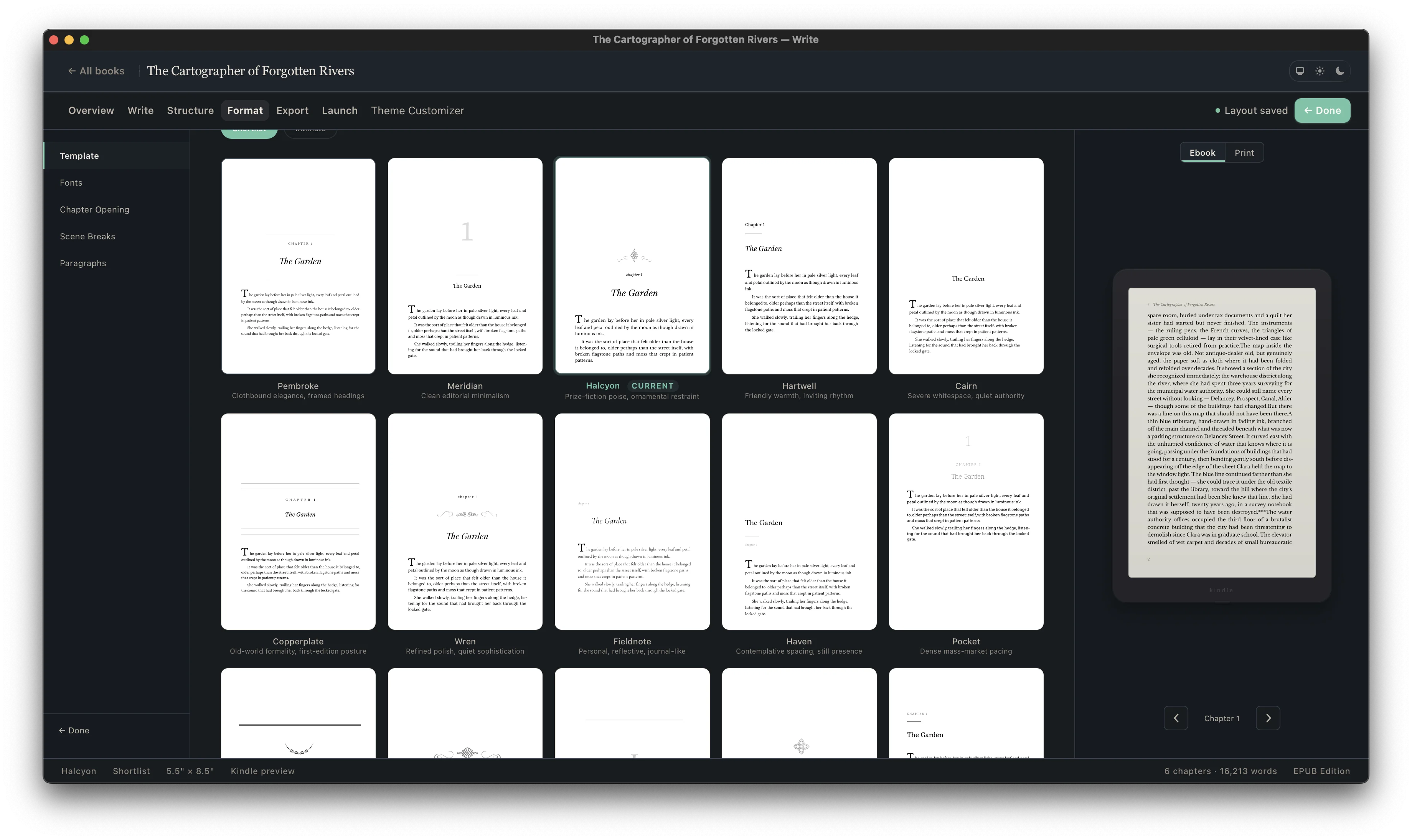
Choose your trim size. Cambric does the rest.
Margins, inside gutters, page numbers, and headers and footers set themselves up automatically. Cambric even handles complex details like widow-handling and spread-balancing, giving you a bookstore-quality result every time you generate.
Print-ready PDFs for paperback, hardcover, and large print on KDP and IngramSpark.
“You’re going to have to open it eventually,” said Marcus from the doorway. He was already dressed for work, keys in hand, the way he always was by seven.
Eleanor didn’t look up. The postmark read Ashworth, and that alone was enough to make her hands unsteady. Eleven years of silence, and now this — heavy cream paper on her kitchen table, waiting with the patience of something that had already decided how it would end.
“It’s not going anywhere,” she said.
“That’s what I’m worried about.”
The door clicked shut behind him. She listened to the car start, the crunch of gravel, the silence that settled back over the house like dust over a room nobody enters.
She poured her coffee and sat across from it, the way she always did. Not touching it. Not opening it. Just sitting with the fact of it, the way you sit with news you already know but haven’t yet confirmed.
It was from her sister. It had to be. Nobody else wrote like that — the sharp downstrokes, the loops that never quite closed, as if every letter was trying to leave before it was finished.
The envelope had been sitting on the kitchen table for three days. Eleanor noticed it every morning when she came downstairs — the heavy cream paper, the handwriting she hadn’t seen in eleven years.
She poured her coffee and sat across from it. The postmark read Ashworth. She could picture the post office — the brass slots, the woman behind the counter who always smelled of lavender and disapproval.
Marcus had noticed it on Monday. “What’s that?” he’d asked, and she’d said “Nothing,” which was true in every way that mattered and false in every way that didn’t.
By Wednesday she had memorized the handwriting through the envelope. She knew it was two pages, maybe three. She knew her sister had pressed hard enough to leave an impression on the back, the way she always did when she was writing something she meant.
The envelope had been sitting on the kitchen table for three days. Eleanor noticed it every morning when she came downstairs — the heavy cream paper, the handwriting she hadn’t seen in eleven years.
She poured her coffee and sat across from it, the way she always did. Not touching it. Not opening it. Just sitting with the fact of it, the way you sit with news you already know but haven’t yet confirmed.
The postmark read Ashworth, and that alone was enough to make her hands unsteady. She could picture the post office — the brass slots, the woman behind the counter who always smelled of lavender and disapproval.
“You’re going to have to open it eventually,” said Marcus from the doorway. He was already dressed for work, keys in hand, the way he always was by seven.
“It’s not going anywhere,” she said.
“That’s what I’m worried about.”
The door clicked shut behind him. She listened to the car start, the crunch of gravel, the silence that settled back over the house like dust over a room nobody enters.
The envelope had been sitting on the kitchen table for three days. Eleanor noticed it every morning when she came downstairs.
She poured her coffee and sat across from it, the way she always did. The postmark read Ashworth.
“You’re going to have to open it eventually,” said Marcus from the doorway.
Same book. Every reader’s device.
Generate ebooks for Kindle, Kobo, Apple Books, Google Play, and wide stores from the same book you use for print. Completed a series? Combine your novels into a multi-volume box set in just a few steps.
Need to send a draft back to your editor? Export a clean Word file anytime.
One-time purchase · Unlimited books · 30-day money-back guarantee
Need to fix a typo? Update your book in seconds.
When you’re happy with your pages, generate your print edition and ebooks all at once. Every edition stays in sync — so when you fix a typo or add a new release to your Also By page, you’ll have a fresh set of files in seconds.
Everything in one book
Your chapters, Title Page, Copyright, and backmatter stay together in one place — no juggling separate Word and formatting files.
Checked before you upload
Cambric checks your margins, gutter width, embedded fonts, and chapter navigation before you generate so you can upload with confidence.
Update anytime
New sequel out? Spotted a typo? Return to Cambric whenever you need to update your book and generate fresh files in seconds.
Ready for KDP, IngramSpark, and wide stores




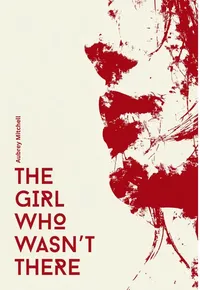

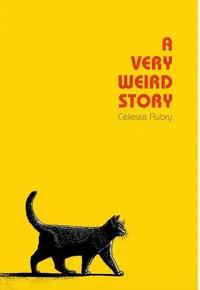

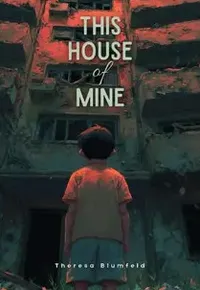


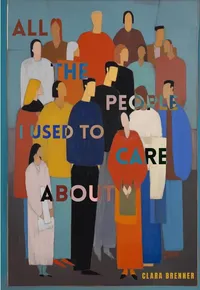
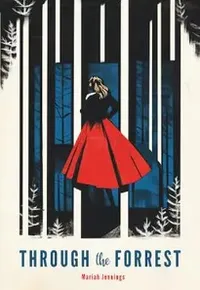





Start with a style. Make it yours.
Pick a Book Style for your genre, then customize drop caps, scene breaks, fonts, and spacing while watching your actual pages update.
Beautiful books. Your computer. Your files.
Desktop app, not a browser tab
Your books live on your machine with automatic backups. Internet goes down? Your work doesn’t.
Built for Windows and Mac
Same Book Styles, same live preview, same output quality on both PC and Mac.
One-time purchase
No subscription. No per-book fee. Pay once, create unlimited print books and ebooks.
No cloud lock-in
Download, install, and start creating. Your manuscripts never sit on someone else’s server.
What authors are saying
“I write on a five-year-old Windows laptop and was dreading formatting my paperback. Imported my 88k-word Word doc, picked a style, and had my KDP print PDF and EPUB done before dinner.”
Mar 2026
“KDP Print Previewer accepted the PDF on the first upload—no margin warnings, no font errors. That has literally never happened to me when exporting from Word.”
“Paid a formatter $180 for Book 1 and then had to pay her another $35 just to fix two typos and add my Book 2 link in the backmatter. Did Book 2 myself in Cambric and it honestly looks cleaner.”
Mar 2026
“Runs natively on Windows without lag. My last formatter was browser-based and started freezing every time my draft passed 80,000 words. Takes a minute to get used to the binder sidebar, but it’s rock solid.”
Jan 2026
“My dual-POV romance kept getting bounced by Apple Books because of repeating chapter names. Re-exported the EPUB from Cambric and it went straight through Apple and Kobo with zero warnings.”
Mar 2026
“Got my 5.5 × 8.5 proof copy from Amazon yesterday. The inside gutter, running headers, and drop caps look like a real bookstore paperback.”
“What sold me is that my manuscript stays on my own hard drive. I write on the train with no Wi-Fi and never have to worry about a browser tab losing my chapter.”
“Word import kept all my italics, scene breaks, and chapter titles intact. I was braced for two hours of cleanup and didn’t have to fix a single chapter break.”
Feb 2026
“115,000-word fantasy novel with a prologue, epigraphs, and three backmatter pages. Everything lined up on the right pages automatically.”
“Line breaks in poetry usually get mangled when switching between print and EPUB. Being able to see the actual page while adjusting stanza spacing saved me days.”
“Bundled my 3-book trilogy into a 310,000-word omnibus. My old browser tool crashed twice trying to open it; Cambric generated the PDF and EPUB in about two seconds.”
Mar 2026
“Scene breaks and drop caps are one click, and the ornamental dividers don’t show up with weird white boxes behind them in Kindle dark mode.”
Jan 2026
“Spotted a typo on page 42 the night before my preorder locked. Opened the project, fixed the word, and had a new print PDF and EPUB uploaded in three minutes.”
“I’m not technical at all. Watched Word mess up my page numbers for a week, bought Cambric on a Saturday morning, and had my paperback uploaded that afternoon.”
Feb 2026
“Was renting MacInCloud by the hour just to format my books on a Windows PC, which was laggy and annoying every time I needed a quick backmatter edit. So glad to have a native Windows app.”
“Moved my first three mystery novels over in a weekend so the chapter headers and Also By pages finally match across the series. IngramSpark accepted all three PDFs on the first try.”
Mar 2026
“Having Roman numerals on the front matter and page 1 starting cleanly on Chapter One without fighting Word section breaks is worth the price by itself.”
“Text-message threads and stat tables in my novel didn’t mess up the paragraph styling after them. First formatter I’ve used on Windows that didn’t fight me on callout boxes.”
“Changed my trim size from 6 × 9 to 5.5 × 8.5 to see how much it would change my KDP print cost. Took literally two seconds to re-paginate the whole book.”
“Lost half a chapter last year when a web-based formatter said ‘Saved’ while my Wi-Fi dropped. Never going back to cloud sync for my manuscripts.”
“My proofreader still works in Word, so being able to export a clean .docx back out of Cambric without breaking anything saved my launch schedule.”
“Didn’t have to buy a used Mac mini just to make my paperbacks look like real books. That alone saved me $500.”
“The widow and orphan control actually works without leaving weird two-inch gaps at the bottom of the page.”
“Compiled out of Scrivener into .docx, dropped it into Cambric, and had my print PDF and EPUB ready in twenty minutes. Zero Compile headaches.”
Tired of fighting your current formatting workflow?
We built Cambric for authors who want bookstore-quality pages on any computer — without a subscription, without a browser cloud login, and without being locked to one operating system.
See how Cambric compares → You wrote the book.
Finish it.
Professional book formatting runs $150–400 per title.
USD · Applicable taxes are calculated at checkout.